
PC

Vehicle Manufacturing

Tooling & Fixture

Prototyping

Machinery
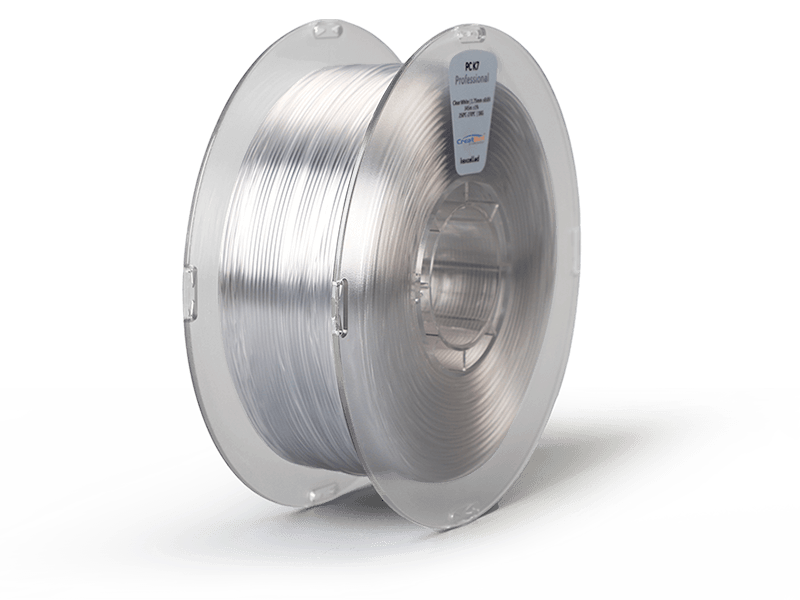
PC 3D Printing Filament Features



CreatBot PC Printing Preview
Advantages of Printing with CreatBot Filament
Premium Raw Material Quality
Selected virgin PC resin from leading chemical companies such as Covestro and SABIC, ensuring material purity from the source. Every batch undergoes full inspection of tensile strength, melt flow rate and diameter tolerance before leaving the factory to ensure stable and reliable performance.
Factory Calibrated, Ready to Print
Filament formula, melt flowability and diameter tolerance (±0.03mm) calibrated for all CreatBot models, with built-in exclusive parameters in slicing software. No repeated debugging needed, ready to use out of the box, even beginners can achieve stable molding quality.
Outstanding Transparency & Impact Resistance
PC delivers excellent optical clarity and high impact strength with over 90% light transmittance, plus good heat resistance and dimensional stability for transparent enclosures and optical prototypes.
Supported 3D Printers
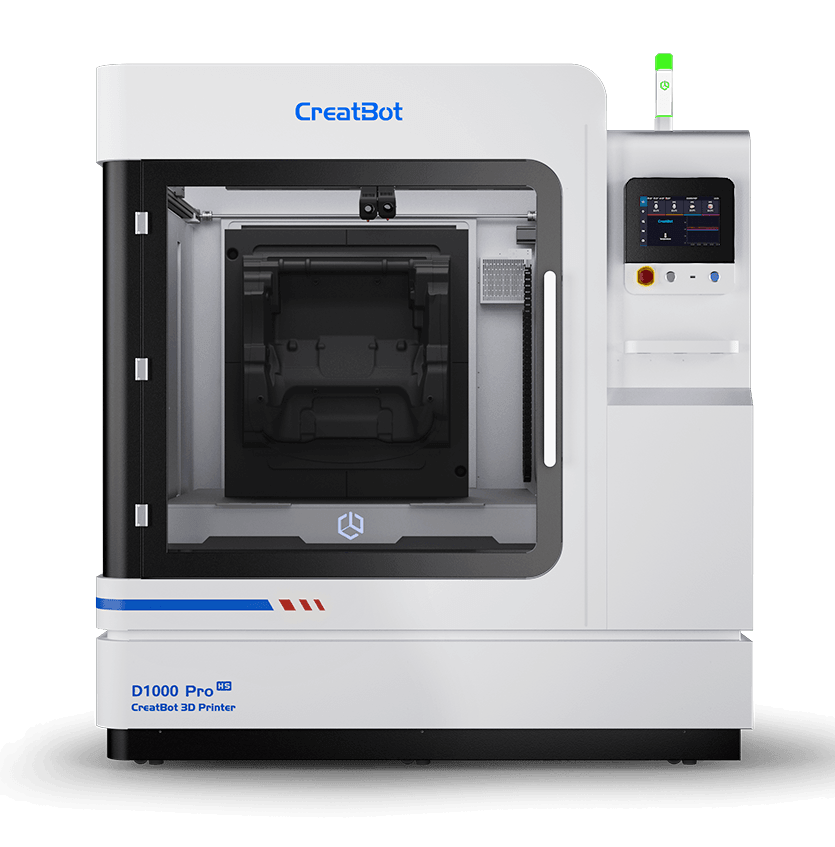
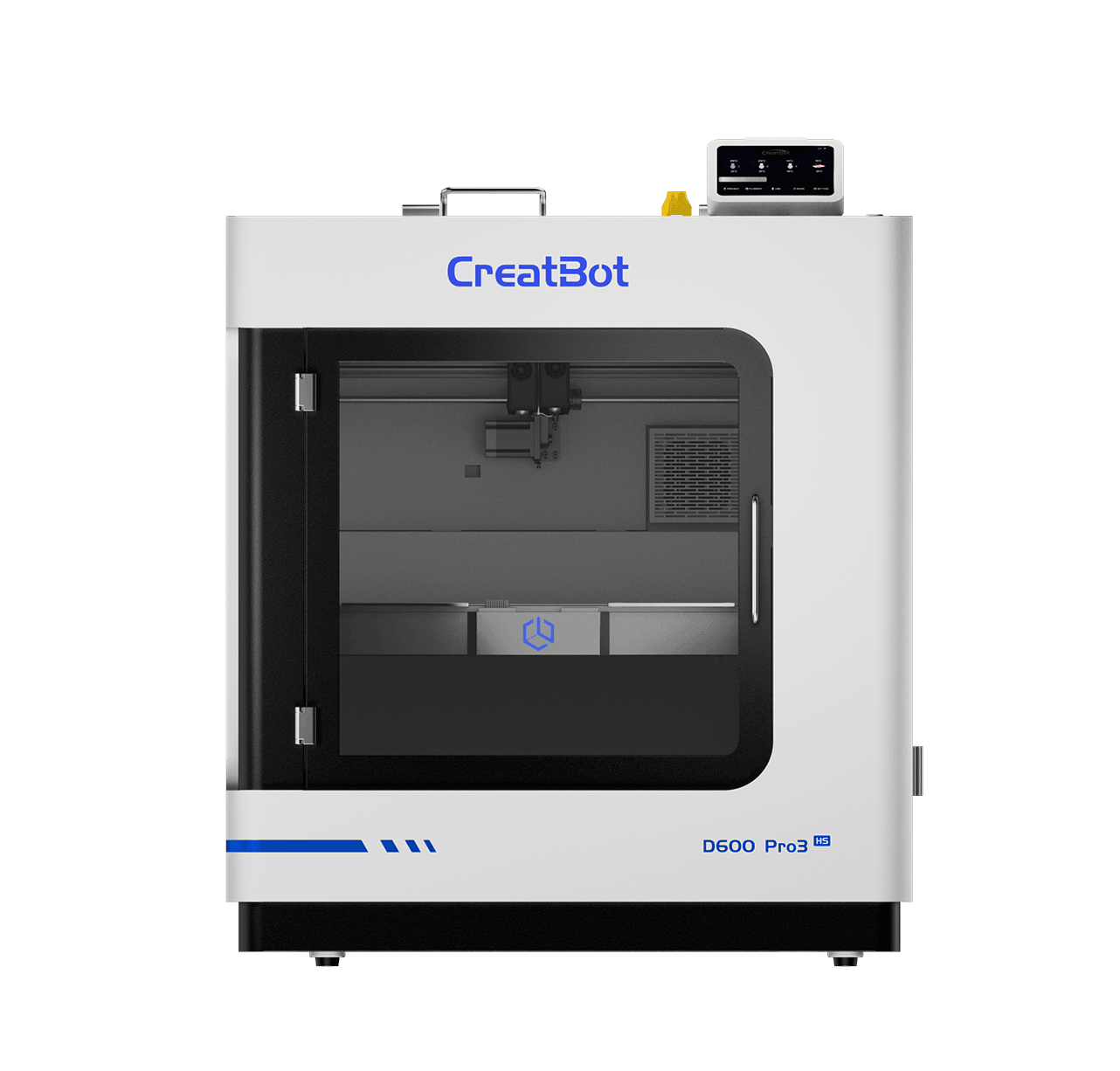
CreatBot industrial 3D printers are designed for high-performance materials. The following models feature heated chambers and high-temperature nozzles for professional-grade results.
Technical Data Sheet
| Drying Conditions Before Printing | |
|---|---|
| Drying Temperature and Time | 80-90℃,6-8 H |
| Printing Parameters | |
|---|---|
| Nozzle Temperature | 310-350℃ |
| Nozzle Diameter | 0.2 / 0.4 / 0.6 / 0.8 / 1.0 mm |
| Bed Surface Treatment | 3D Printing Spray / PVP Glue / Special Adhesive |
| Bed Temperature | 140-180℃ |
| Chamber Temperature | 80-150℃ |
| Cooling Fan | OFF |
| Print Speed | 30-60 mm/s |
| Physical Properties | Test Method | Data |
|---|---|---|
| Density | ISO1183 | 1.2g/cm³ |
| Water Absorption (Saturated) | 25℃,55%RH | / |
| Melt Flow Rate | 340℃,2.16 kg | 32g/10 min |
| Melting Temperature | DSC,10℃/min | 280℃ |
| Vicat Softening Temperature | ISO 306,GB/T 1633 | 176℃ |
| Heat Deflection Temperature | ISO 75,0.45MPa | 163℃ |
| Mechanical Properties | Test Method | Data |
|---|---|---|
| Tensile Strength XY | ISO 527, GB/T 1040 | 69 MPa |
| Tensile Strength Z | ISO 527, GB/T 1040 | / |
| Young's Modulus XY | ISO 527, GB/T 1040 | 3900 MPa |
| Young's Modulus Z | ISO 527, GB/T 1040 | / |
| Elongation at Break XY | ISO 527, GB/T 1040 | 11.3% |
| Elongation at Break Z | ISO 527, GB/T 1040 | / |
| Flexural Strength XY | ISO 178, GB/T 9341 | 100 MPa |
| Flexural Strength Z | ISO 178, GB/T 9341 | / |
| Flexural Modulus XY | ISO 178, GB/T 9341 | 2550 MPa |
| Flexural Modulus Z | ISO 178, GB/T 9341 | / |
| Impact Strength XY | ISO 179, GB/T 1043 | 45 kJ/m² |
| Impact Strength Z | ISO 179, GB/T 1043 | / |
PC Filament FAQ
PC material printing requires high temperature and a closed chamber environment. Recommended nozzle temperature is 310-350°C, bed temperature 140-180°C, chamber temperature 80-150°C. Drying at 80-90°C for 6-8 hours before printing is required. Cooling fan must be turned off to avoid interlayer stress causing cracking. It is recommended to use a 3D printer with a heated closed chamber, such as the CreatBot series industrial printers, for best printing results.
The cooling fan must be turned off when printing PC material for the following reasons: ① PC has a glass transition temperature of about 145°C, and rapid cooling will generate large interlayer stress, causing interlayer cracking or warping; ② Slow cooling helps molecular chain rearrangement and improves interlayer bonding strength; ③ Turning off the fan with a heated chamber (80-150°C) can keep the printed part temperature uniform and reduce thermal stress. If printing on an open printer, it is recommended to use a protective cover to enclose the printing environment and avoid direct airflow.
PC material has strong hygroscopicity, and moisture will cause bubbles, slivering, rough surface and mechanical performance degradation during printing. Proper storage methods: ① Unopened filament should be stored in a cool, dry place (temperature 15-25°C, humidity <30%), avoiding direct sunlight; ② Opened filament is recommended to be stored in a sealed bag with desiccant (molecular sieve desiccant recommended, 10-15g/roll), or in a filament dryer maintained at 10-20% relative humidity; ③ For short-term non-use (more than 24 hours), it is recommended to remove the filament from the printer and store it sealed.
PC, with its excellent comprehensive mechanical properties, outstanding high temperature resistance and transparency, has a wide range of applications in many fields. Typical applications include: ① Functional structural parts—housings, brackets, protective covers, etc., that can withstand high mechanical loads; ② Transparent parts—lamp covers, windows, light guides, etc., with light transmittance up to 88-90%; ③ Automotive parts—instrument panel brackets, sensor housings, ventilation ducts, etc., resistant to engine compartment high temperature environments; ④ Electronic equipment—junction boxes, connectors, insulating parts, etc., with excellent electrical insulation properties; ⑤ Safety protection—protective face shields, explosion-proof shields, etc., utilizing its extremely high impact strength.
First layer adhesion is key to successful PC printing, the following measures are recommended: ① Heat the print bed to 140-180°C and maintain stable temperature; ② Use 3D printing spray, PVP glue or special adhesive to treat the bed surface; ③ Reduce first layer print speed to 15-20mm/s, with nozzle height slightly lower than conventional settings (0.05-0.1mm); ④ Set first layer line width to 120-150% of nozzle diameter to increase contact area; ⑤ Turn off first layer cooling fan; ⑥ Use brim width of 8-12mm to increase contact area with the bed. For large models, it is recommended to use PEI flexible steel plate or dedicated PC print bed.
PC material has the following advantages compared to other engineering plastics: ① Extremely high impact strength—6 times that of ABS, 3 times that of POM, suitable for applications requiring high toughness; ② Good transparency—light transmittance 88-90%, comparable to PMMA, one of the few 3D printable transparent engineering plastics; ③ Excellent high temperature resistance—heat deflection temperature 163°C, higher than ABS (78°C) and PLA (55°C); ④ Good dimensional stability—low shrinkage (0.5-0.7%), high precision of printed parts; ⑤ Excellent electrical insulation—suitable for electronic and electrical applications; ⑥ Good weather resistance—excellent UV resistance, suitable for outdoor use. However, PC is difficult to print and requires high temperature and closed chamber. Professional high temperature 3D printers such as CreatBot are recommended.
Contact Us


Message
Application Fields
Quick Links
